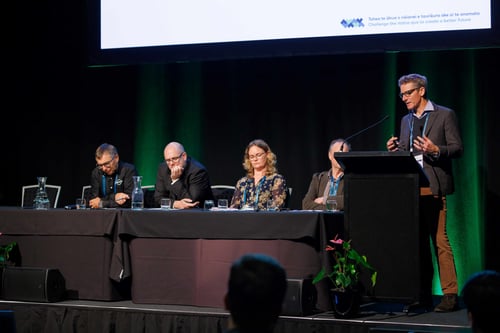



Session chair info
Find out handy tips and tricks for facilitating a session at the WasteMINZ and Australasian Land & Groundwater Association (ALGA) Conference 2026.
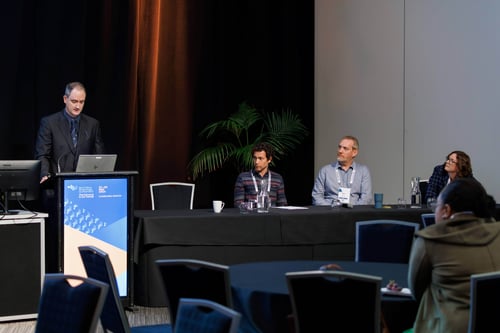
General overview and guidance
- Each session will be slightly different, with a different number of speakers, format (e.g. some have joint Q&A and others Q&A straight after presentations, or there may be a panel), timing and room set up. You should refer to your session run sheet for any advice specific to your session.
- The session chair is there to introduce the speakers, support Q&A time, and ensure that we run to time. We love to see our session chairs bring some energy and personality to the room – so please feel free to reflect this in your introductions. However, any long introductions, stories or reflections, eat into the presenter’s time as well as possible Q&A time. So do try to keep your introductions short and snappy.
- As session chairs we would like to encourage you to use te reo Māori if you feel comfortable to do so. Please find below some simple phrases which you may want to incorporate when chairing your sessions. If you are unsure of the pronunciation of any of these, the Māori dictionary is a great resource.
- There will always be at least one WasteMINZ volunteer or staff member in your room as well as AV tech support. The WasteMINZ staff member or volunteer will support running microphones for Q&A, room setup, any technical issues and other troubleshooting.
Before the session starts
Meet the speakers in the room prior to the start of the session to introduce yourself. Please remind them:
-
They will receive a 5-minute warning; and a 1 or 2 minute warning. We have signs that can be held up for them. Discuss with the staff member present, who will hold up the signs for you.
-
Presenters must confine their presentation to the allotted time.
-
Advise each presenter to stand close to the lectern microphone when presenting, otherwise attendees will not be able to hear them.
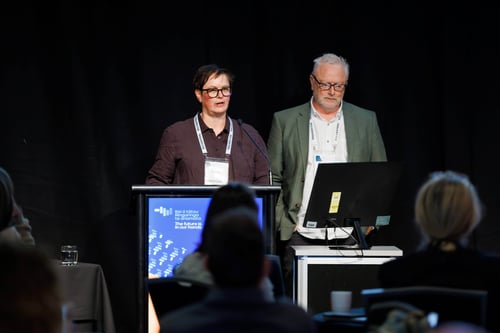
Running the session
- Please open the session on time but encourage late arrivals to grab a seat.
- Welcome attendees to the session and introduce yourself and the theme of the session.
- Relay any housekeeping notes as per your session sheet.
- Request all mobile phones to be put on silent or turned off.
- Introduce the speakers, this will just be name, organisation and presentation title. Bios will all be on the app and not read out. Set a timer on your phone to start once the speaker begins – WasteMINZ staff member will also be watching the time.
- Thank the speaker and ask them to remain for any Q & As (if doing it directly after the speaker).
- Thank the speaker again as they leave the speaking area.
Managing Q& A
If there is Q&A directly after the speaker, then it can be helpful to have a question in your back pocket in case it takes a while for the audience to switch from listening to engaging.
We have asked all our presenters for seed questions and will endeavour to have these on the session run sheets. Ways that you can run the Q& A:
- Thank the speaker – and ask them to remain for Q&A – let the audience know to put their hand up and the staff member will pass them the mic.
- If hands go up immediately – then go with audience questions.
- If you don’t see hands up straight away – then start with one of the seed questions “Something I was wondering was…..” or “Firstly I have a question…” can be good openers – or whatever works for you.
- Keep an eye on time! Q&A has a tendency for time to get away – especially if there are a lot of questions and the audience is engaged. If questions are going to be unanswered, thank the speaker and suggest that attendees seek the speaker out during the break.
- For joint Q&A sessions, encourage, where possible, multiple perspectives from different speakers. You can use phrases such as “Thanks for making that point…” “That’s great, if I can change tack…” to move from one idea to another. Using phrases such as “I would like to move to another speaker….” can be a bit obvious to the audience. You can also arrange with the speakers in advance a phrase that you will use to hear from a different presenter or to move onto a different point.
Ending the session
You will likely have notes to read out at the end of session about networking drinks, awards etc that will be on after the following break. Please review your session run sheet so you know what you need to notify attendees about.